Teach people to check before they share
A classroom and research workspace for schools, universities, newsrooms and researchers. Available in the Chrome extension and the Windows and Mac app.
Built for the whole classroom
One workspace for the people who teach, learn and research.
Teachers
Create classes, set assignments, build lessons and see how every student is doing.
Students
Check claims, hand in work and earn credentials that show what you can do.
Researchers and journalists
Keep personal and team evidence boards, use the citation assistant and see a research credibility score.
Institutions
Manage people, roles and structure, read the audit log and let people join with a school email domain.
Connectors
Bring in classes and deadlines from Google Classroom, Microsoft Teams, Outlook and Google Calendar.
English and Dutch
The whole app switches language in one click.
Made for real classrooms
From secondary school lessons to university lecture halls, the same tools fit the way people already learn.


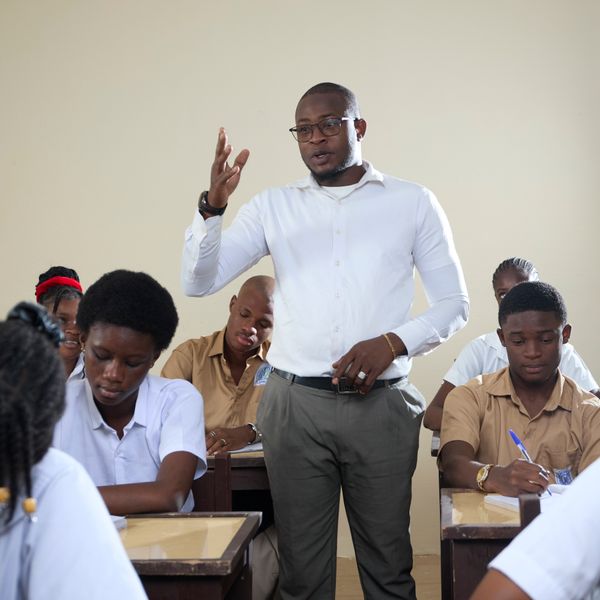

For teachers
Set up a class in minutes. Build lessons around real claims, give assignments with a due date and see at a glance who needs help. Everything syncs with the calendar you already use.
- Classes, assignments and pre and post assessments
- Group work and a curriculum builder
- Progress and results per student
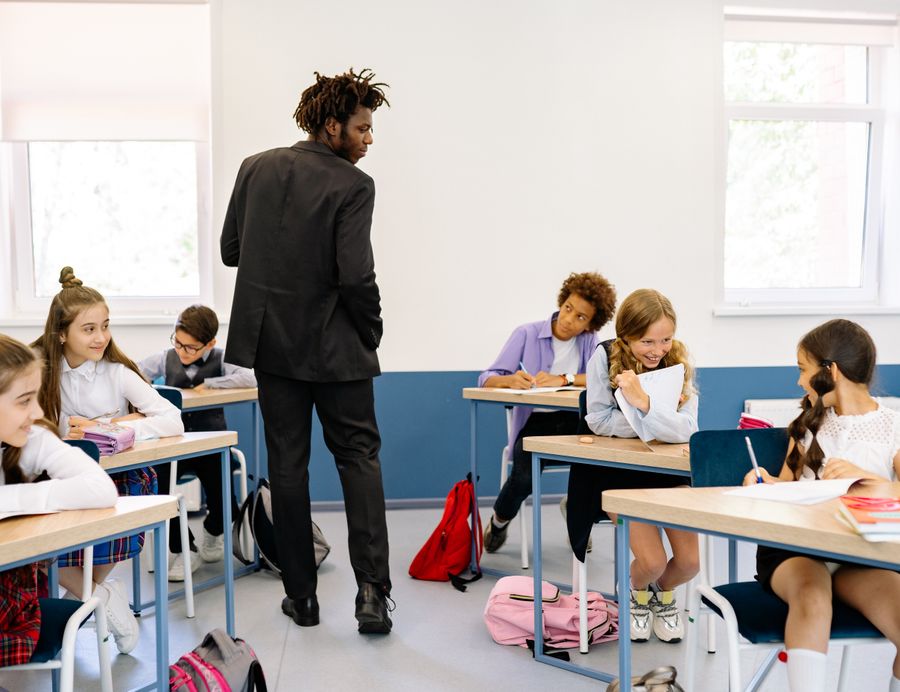
For students
Learn to question what you see online. Check claims, play the daily Spot the Fake round and collect credentials you can show to a teacher or an employer.
- Claim checks with real fact-checker sources
- Points, accuracy and credentials
- Works on laptop and in the browser

For researchers and journalists
Gather sources on an evidence board, share it with your team and let the citation assistant format references in APA, MLA or Chicago. A research credibility score shows how strong your sources are.
- Personal and team evidence boards
- Citation assistant
- Research mode and trends

Try it yourself
No sign in needed. This demo uses sample data to show how a lesson flows from teacher to student to researcher.
Class 3B · Media literacy
Set an assignment and watch your class progress arrive.
Check the claim
Is it true or false? Then see what independent fact-checkers say.
Evidence board · School phone bans
Collect questions, sources and evidence. The research credibility score updates as you build.
Watch the walkthrough
A guided tour of the Education Hub, from setting up a class to checking a claim.

Fact Checking and Media Literacy with FactChecker Pro
A self paced video course for teachers, students and anyone who wants a clear method for checking what they read. Every lesson uses the real English app, following one viral claim from the first click to the teacher's review.
- 25 lectures and about an hour of video, with English captions
- Step by step walkthroughs: create a class, build an assignment, investigate as a student and review with a rubric
- The core skills: sources, claims, bias, AI content, and images and video
- A final quiz, and a path to the verifiable Media Literacy Foundations certificate in the app, on Windows or Mac
Enrol on Udemy and learn at your own pace, with lifetime access.
Looks the way you like it
Pick light, dark or match your device, choose an accent colour or your own, and switch to floating cards that hover and tilt as you move. Calm motion is there for anyone who prefers a still page.
How an institution gets started
No payment details are needed to try it.
An institution administrator opens the License tab and starts a pilot. You get 50 seats for 60 days, once per institution.
Add teachers and students, set up classes and link your calendar or classroom tools.
When the pilot ends, a license key adds time and seats. If a license ends, nothing is deleted. The institution becomes read only until it is renewed.
Plans for institutions
Prices are not set yet. Ask for a free pilot and we will agree a license that fits your school or university.
Ready to check what you read?
Install free on your browser, Windows, Mac or Android, or follow the WhatsApp channel for new releases.